
Not sure which Adobe URL builder fits your setup?
If you’re used to Google UTM parameters, Adobe campaign tracking can feel less obvious. Different Adobe setups capture campaign values in different ways, so use this page to compare your options before choosing a builder or rolling out a team standard.
Select the Adobe builder that fits your setup
If you’re unsure, start with the Adobe UTM Builder. It gives marketers familiar UTM-style fields while still creating an Adobe campaign value your setup can capture.
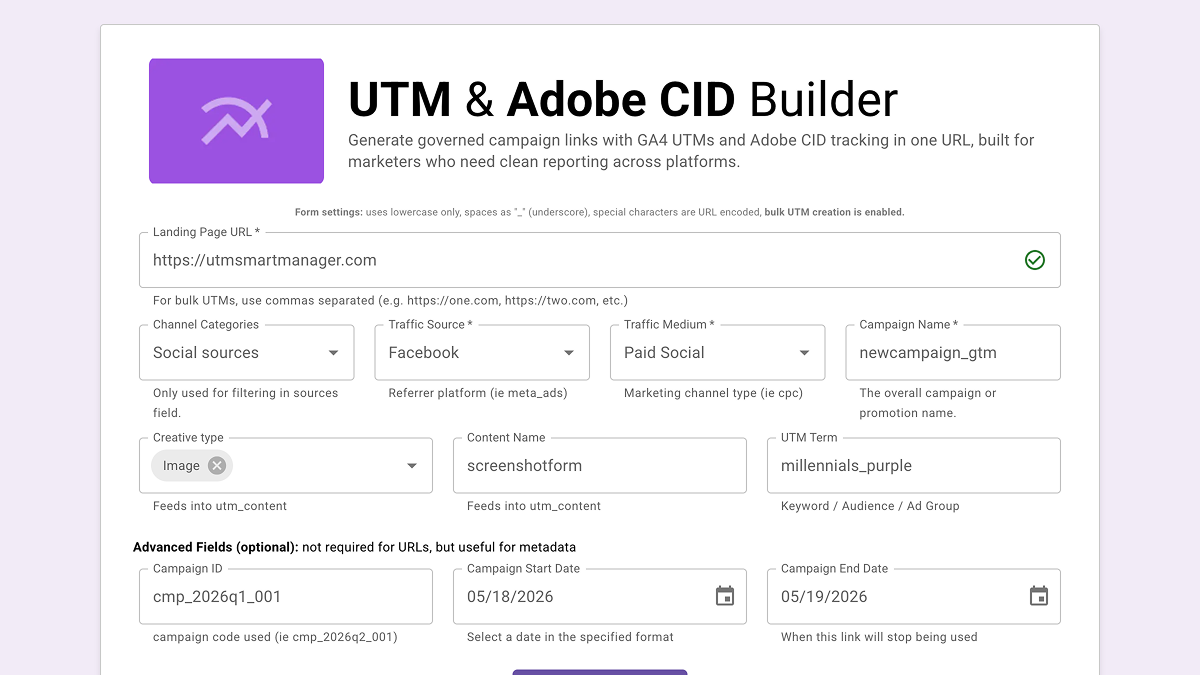
Adobe UTM Builder
Use when your team wants familiar UTM-style fields plus an Adobe campaign value while confirming your setup.
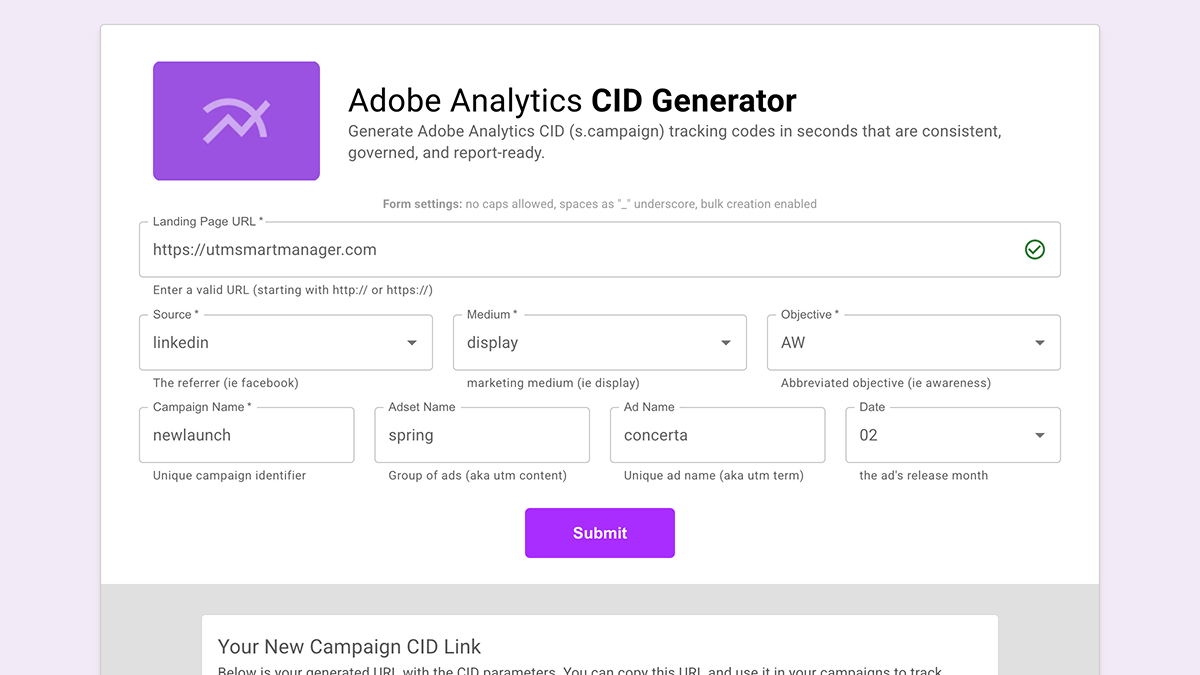
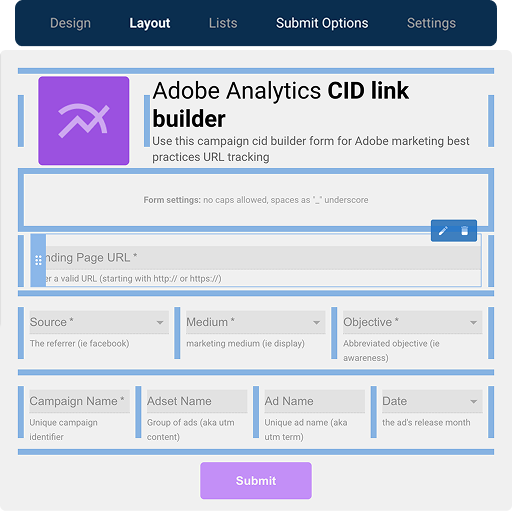
Adobe CID Builder
Use when your Adobe setup captures cid and your team needs one structured campaign value for reporting.
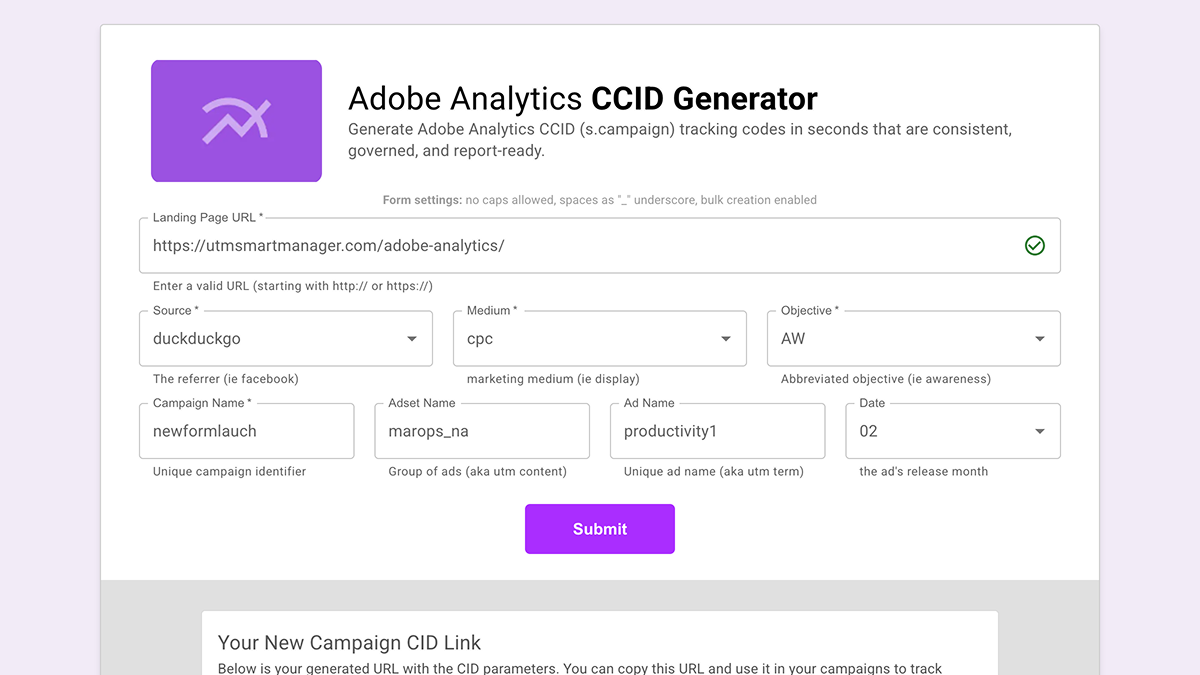
Adobe CCID Builder
Use when your Adobe setup captures ccid and your team needs the same structured campaign-value approach.
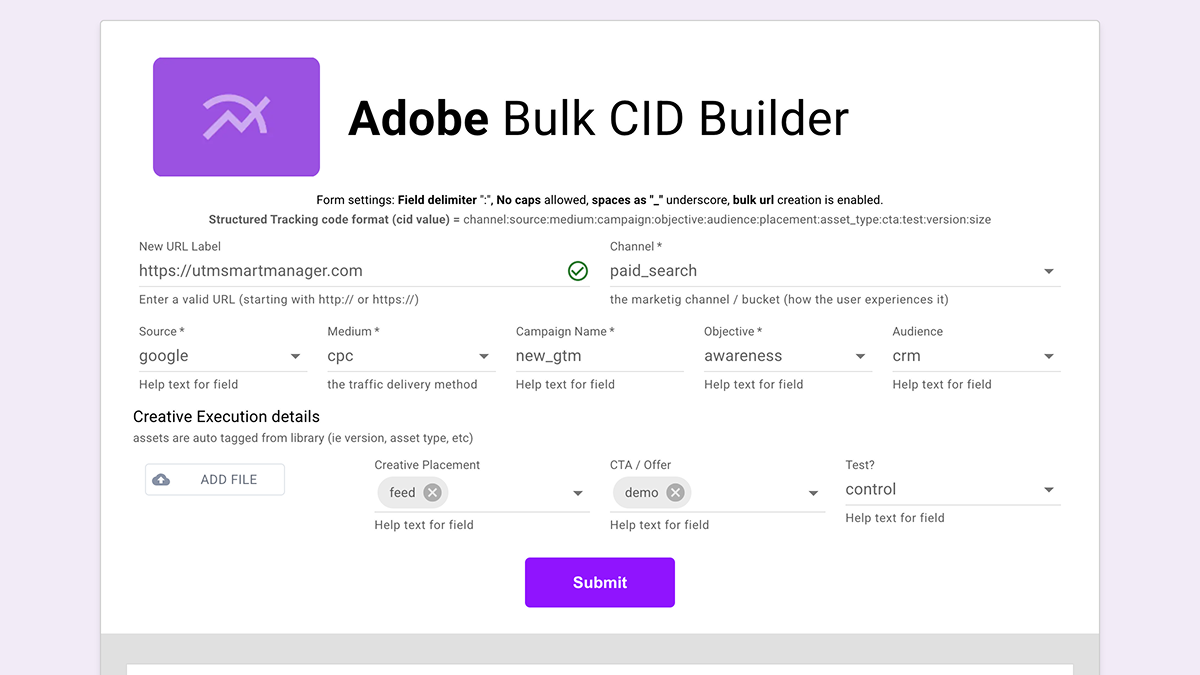
Bulk CID Builder
Use when you need many Adobe campaign URLs quickly across destinations, creatives, etc.
Still unsure after comparing the builders?
Ask about setup help before changing your Adobe campaign tracking standard or rolling this out across your team.
Related Resources
Need this for your team?
Free Adobe builders are a great start, but they risk not matching your team’s campaign standards. Campaign URL Studio turns them into a team-owned builder so your team can launch with confidence, keep a clean URL history, and trust campaign data. Customize with URL Studio
- Adobe Analytics solution See how teams keep Adobe campaign tracking cleaner before values reach reporting.
- Complete Guide to Adobe Analytics UTM Parameters Go deeper on Tracking Code, Classification Sets, eVars, and inherited Adobe setups.
- UTM, CID, Tracking Code, and s.campaign explained Use the short translation layer before changing how Adobe captures campaign values.